

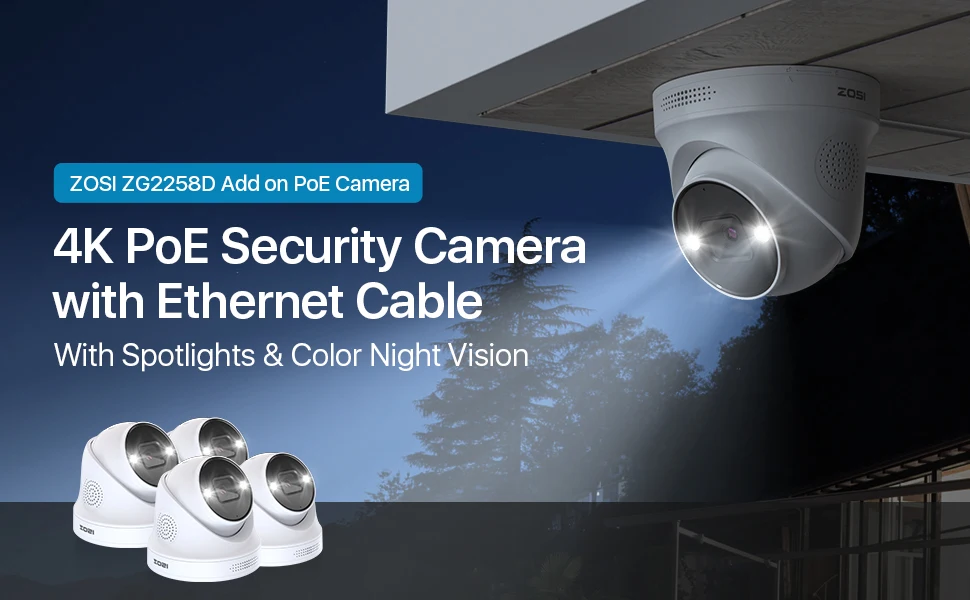
ZOSI 4K PoE Security Cameras with Ethernet Cables 2-Way Audio Weatherproof Color Night Vision Outdoor Indoor Surveillance Camera Only Compatible with ZOSI 8MP/4K POE CCTV NVR


ZOSI 4K PoE Security Cameras with Ethernet Cables 2-Way Audio Weatherproof Color Night Vision Outdoor Indoor Surveillance Camera Only Compatible with ZOSI 8MP/4K POE CCTV NVR
1.This IP camera is an add-on camera. It needs to connect the Ethernet cable and NVR to work.
2. Only compatible with ZOSI PoE NVR(Model:ZR08DN, ZR08SN, ZR08HN, ZR16DK, ZR16SK, ZR16HK,ZR16HB).
ZOSI 4K PoE Security Cameras with Ethernet Cables, Person/Vehicle Detection, 2-Way Audio, Weatherproof, Color Night Vision, Outdoor Indoor Camera Only Compatible with Same Brand 8MP/4K POE NVR
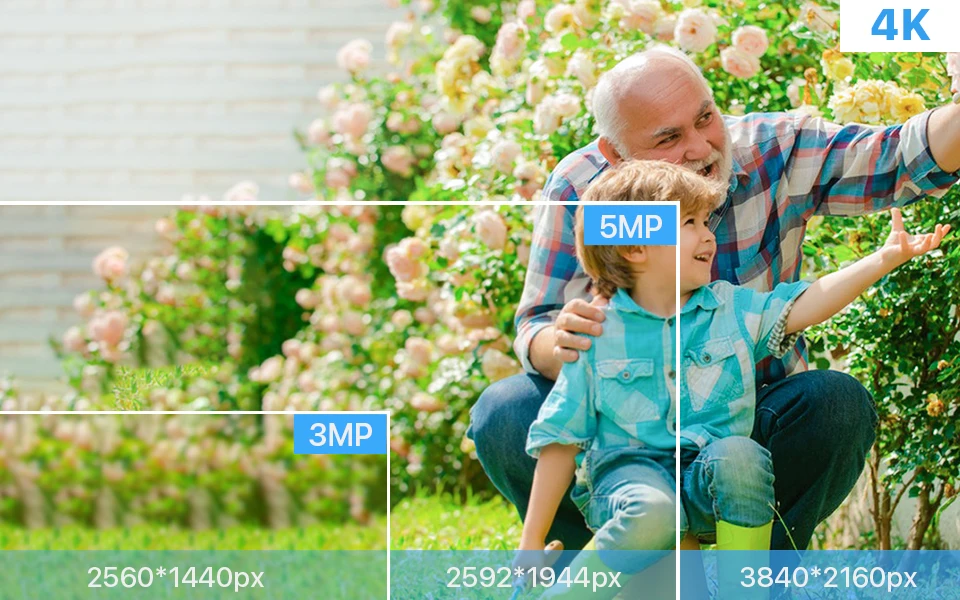
4K Ultra HD
Four times the resolution of 1080P.In 4K resolution.Record everything with sharper details with the high Pixel count and be able to digitally zoom into far away objects without losing any quality.
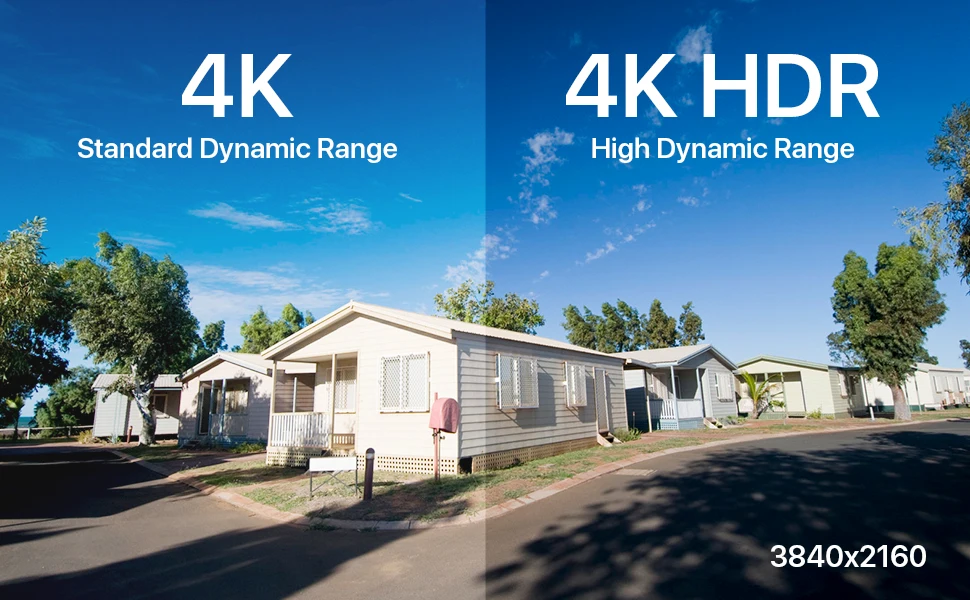
High Dynamic Range
This Ultra HD 4K CMOS Image Sensor allows the camera to capture more light,and turn on HDR mode to deliver crisp detail even in backlit environments for real-world visuals
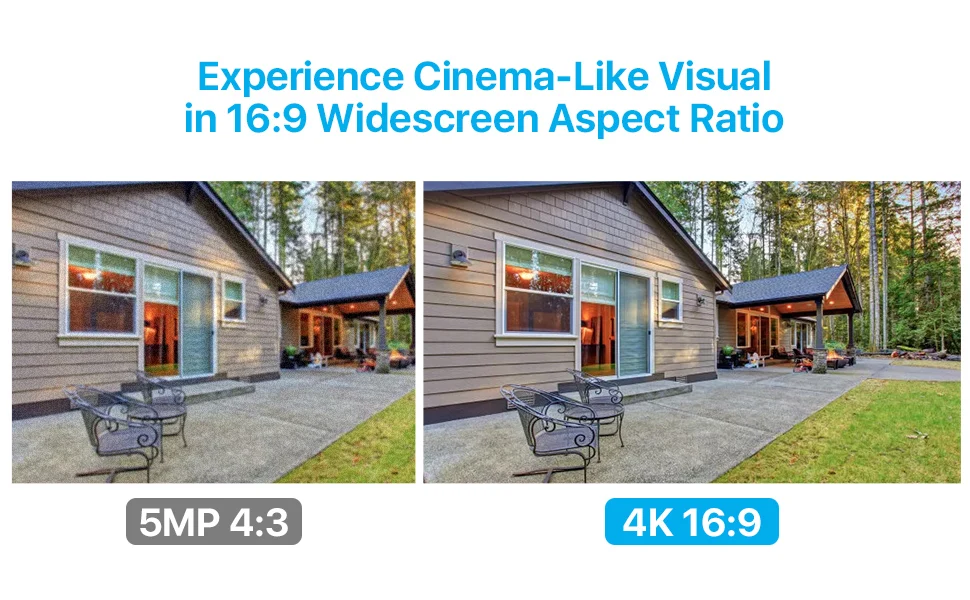
Better Visual Effects
This camera security system 8.0MP UHD and 16:9 widescreen aspect ratio gives you cinematic visuals.
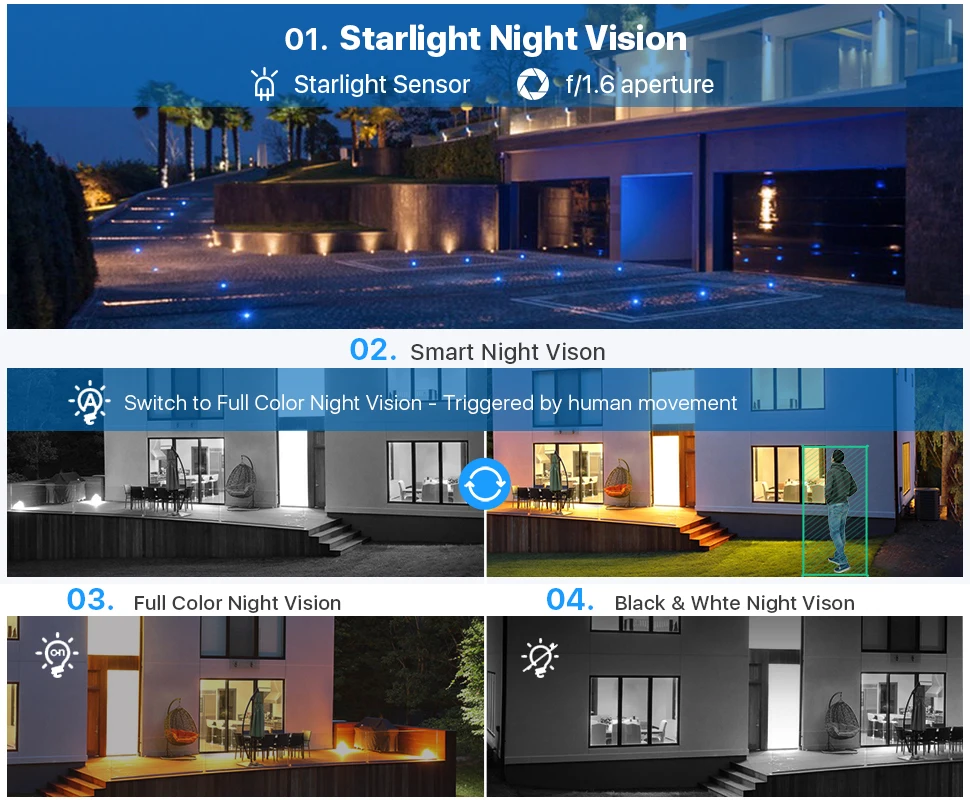
Four Night Vision Modes
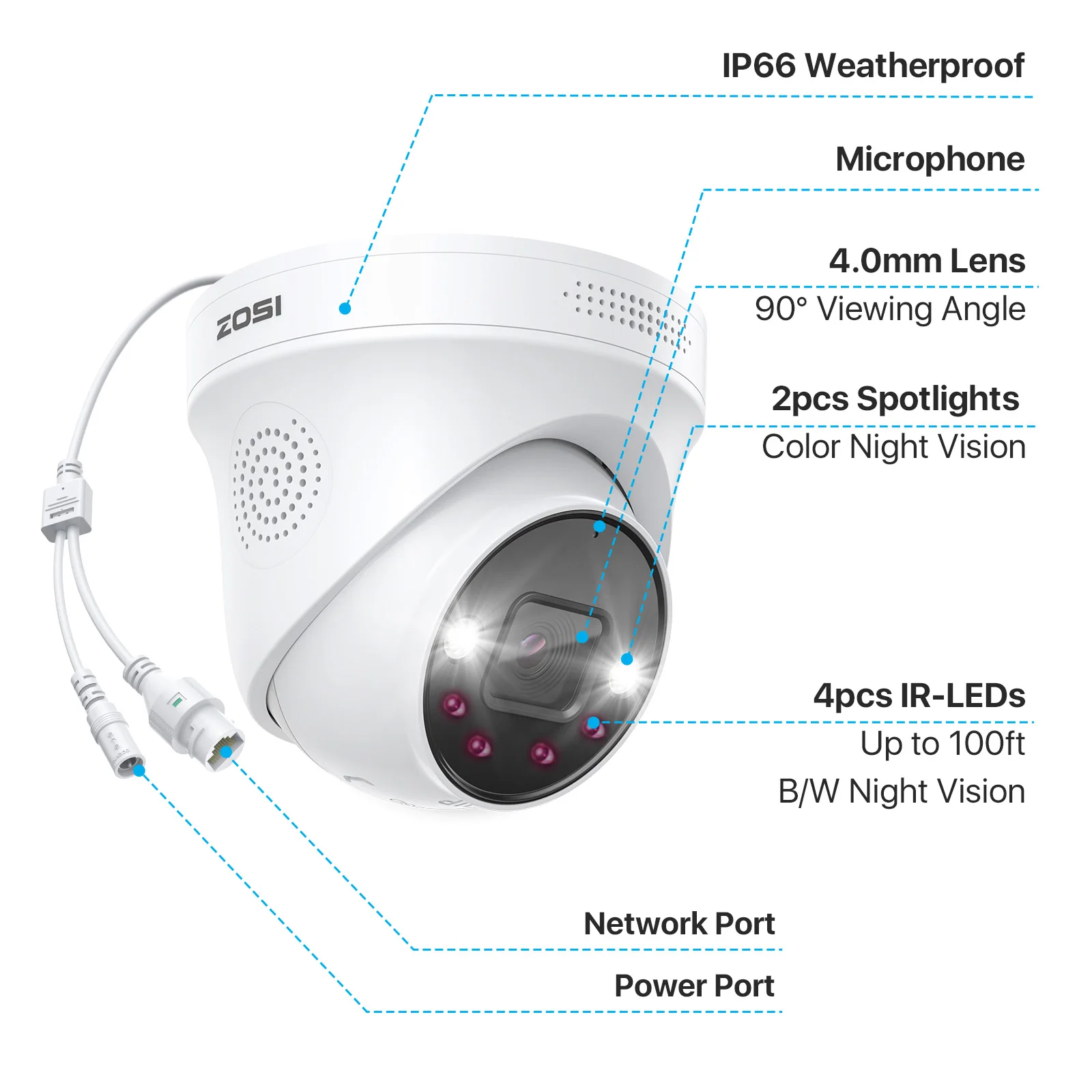
1. Starlight Night Vision(Automatically)
Capture more light and reveal vivid details even in very low light conditions with an advanced starlight sensor.
2. Smart Night Vision(Manual Setup)
Heat & motion turn on the spotlights, enabling color night vision.
3. Full Color Night Vision(Manual Setup)
Illuminate your way at night, full-color image and video let you see more valuable details.
4. Infrared Night Vision(Manual Setup)
Infrared LEDs on, image is black and white.
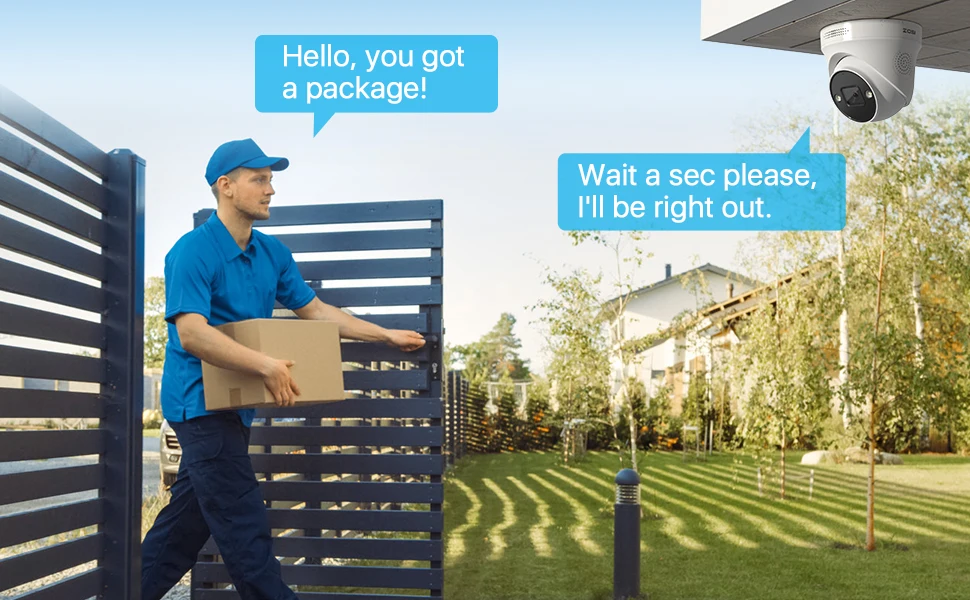
Two-Way Talk
Not only watch ultra-clear live video, you can also hear and talk directly to anyone who approaches via 2-way audio.
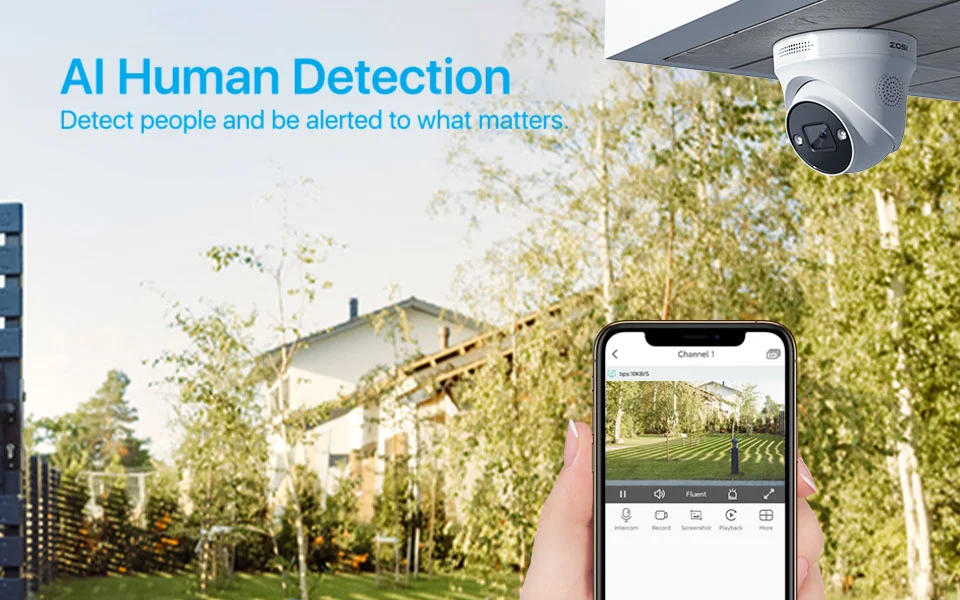
AI Human Detection
You will get App push notifications and an email whenever a person is detected on your property.
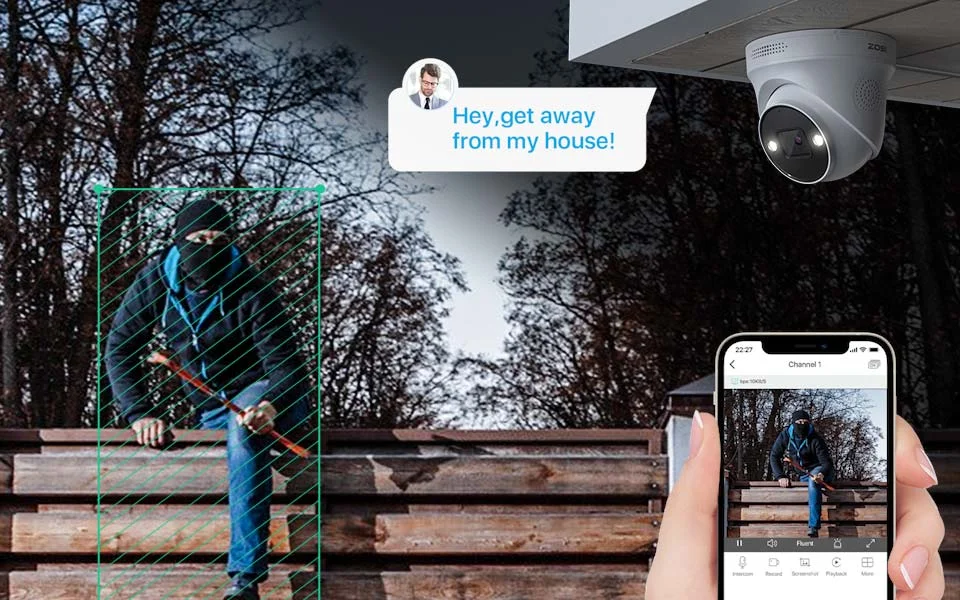
Smart Light and Sound Warning
As your guard in every night, this cam is alert and ready to react to any potential danger via smart light and sound alarm system
Save Hard Drive Space
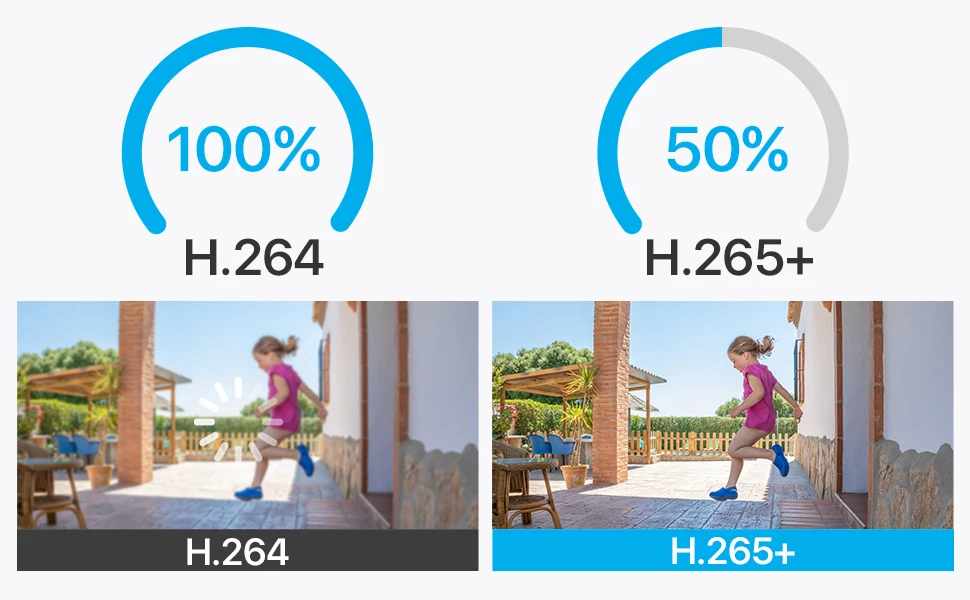
H.265+ coding compresses video file sizes without quality degradation, thus saving lots of storage space for longer recording time and a better viewing experience.
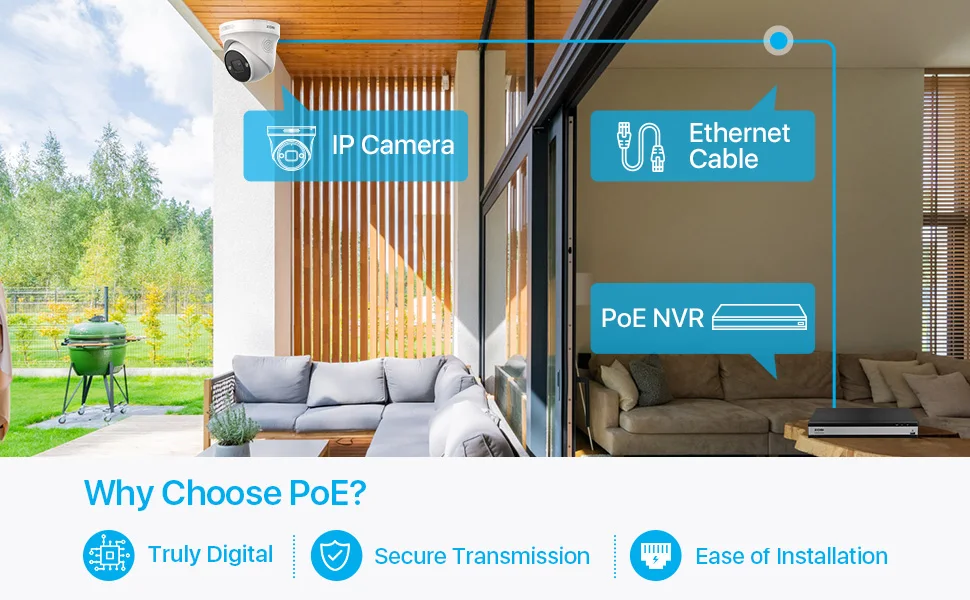
Why Choose PoE ?
Truly Digital:100% video quality preservation over long distance transmission.
Secure Transmission:Video feeds are encrypted before transmission, making data interception difficult.
Ease of installation:A single ethernet cable transmit power, video and audio.
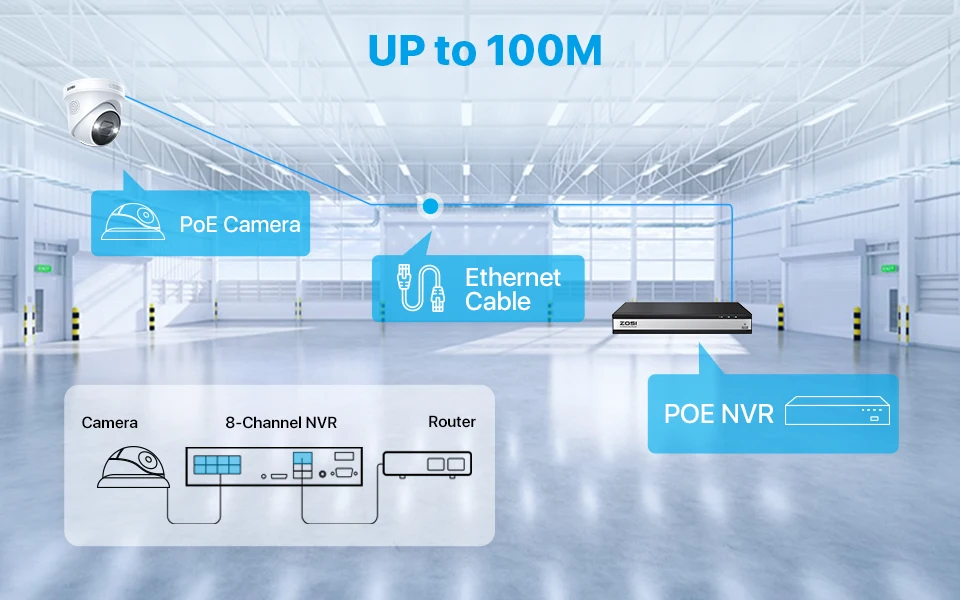
Max Support 100 Meters Cables Transmission
The distance greatly increases the convenience of home installation, and it is installed in the place where you want to monitor the most
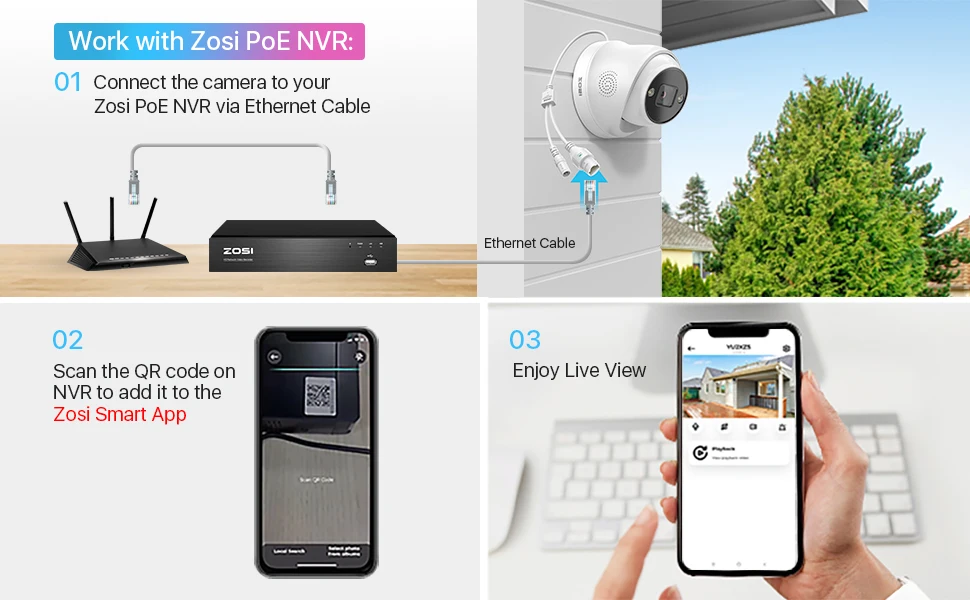
Only Work with Zosi PoE NVR
Only compatible with ZOSI PoE NVR(Model:ZR08DN, ZR08SN, ZR08HN, ZR16DK, ZR16SK, ZR16HK,ZR16HB).
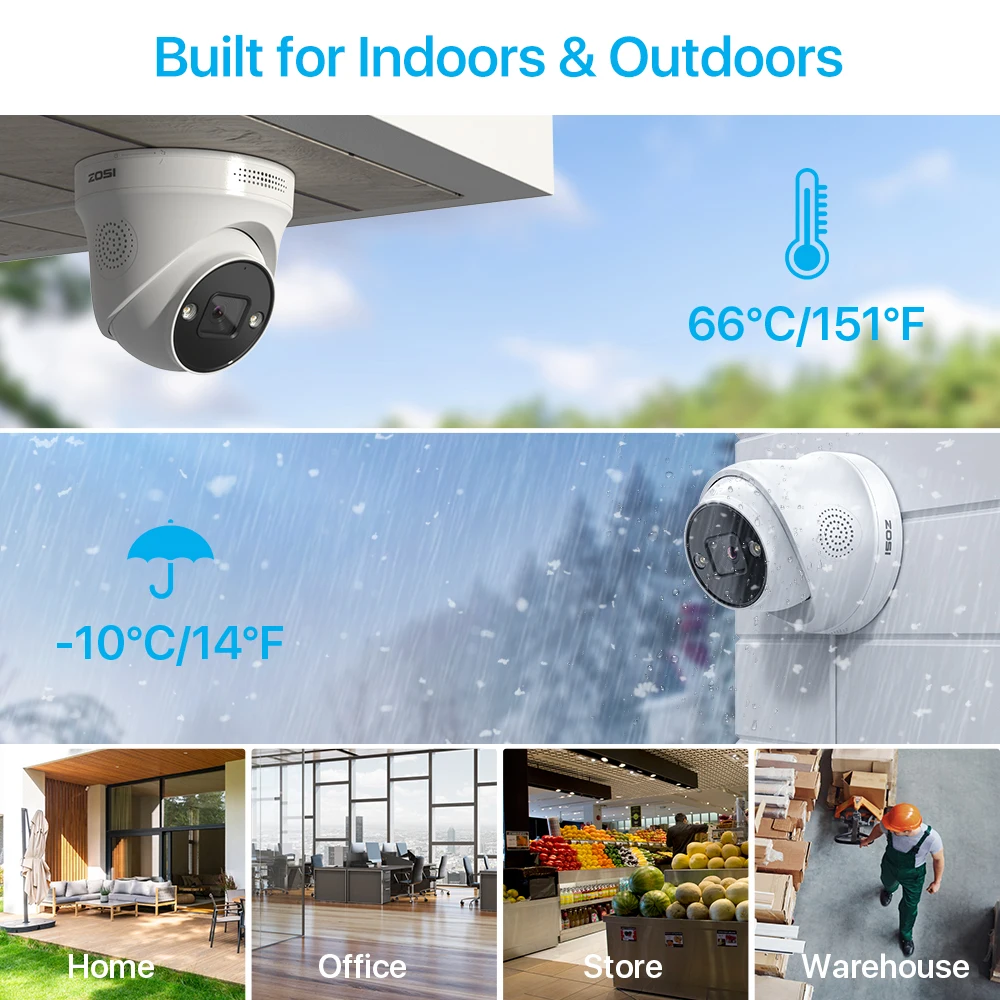
Built for Indoors & Outdoors
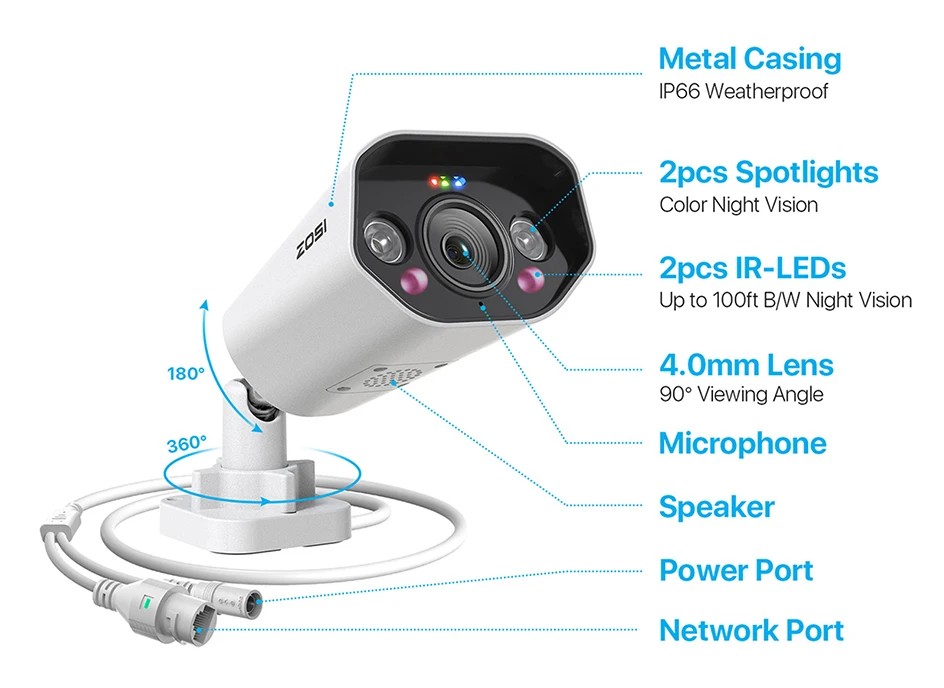
The protection level of this camera is IP66, and the shell is made of metal, which can effectively block sand, dust and wind and rain erosion. Suitable for indoor and outdoor installation.
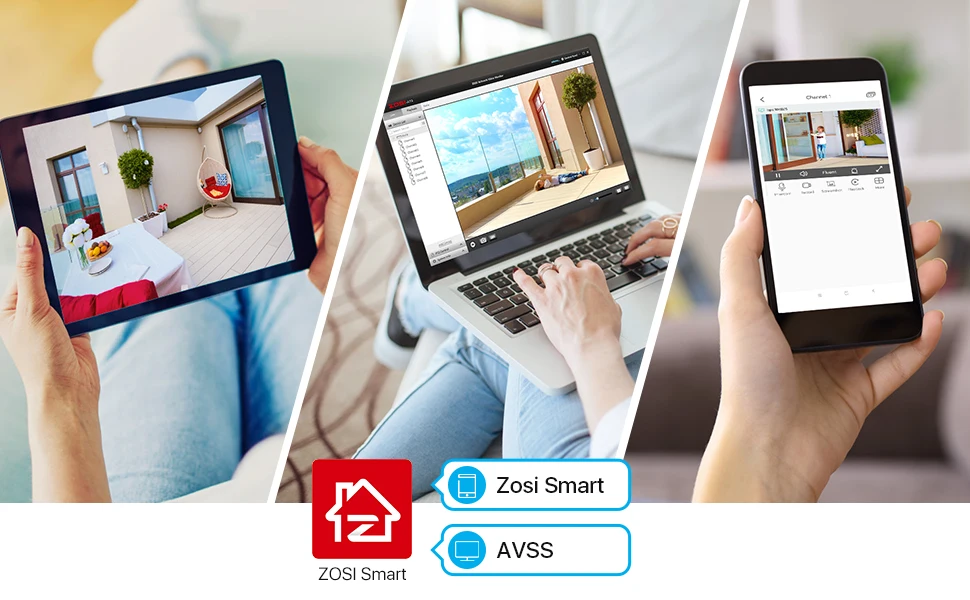
Easy Remote Access
View live feed, replay footage, and customize settings from your mobile devices, whenever and wherever, with an all-in-one ZOSI Smart App/AVSS Client.
Q&A
Question 1: How to get the 4K 8.0MP resolution?
(1) Please make sure that your TV monitor is 4K or better than 4K resolution, and connect the DVR to your TV monitor.
(2) Setup the system, and go to Main Menu- Set up-Basic to change the "Video Output" to "3840 * 2160" manually.
Question 2: Why can't I hear audio when watching live on NVR?
1. The NVR can transmit audio only when the monitor/TV is connected via HDMI cable, otherwise the monitor/TV will have no sound output.
2. Click the right mouse button -Go to Main Menu- Set up - Click the audio, you can adjust the volume and select the channel to play the audio.